QR Generator
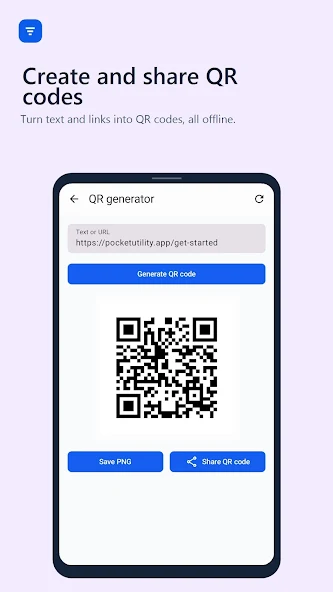
Turn text and links into shareable QR codes in seconds.
The everyday toolkit for Android
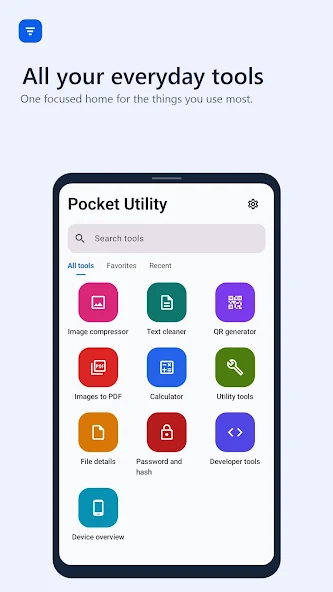
Create QR codes, compress images, build PDFs, convert units, clean text, inspect files, generate passwords, and calculate hashes—all in one focused, offline-first app.
A calmer way to get things done
Skip the app-hopping. Pocket Utility keeps common tasks together in a clean workspace that is ready whenever you need it.
Turn text and links into shareable QR codes in seconds.
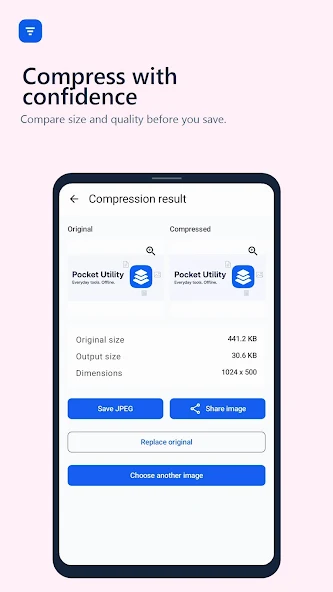
Compress images and compare the result before you save.
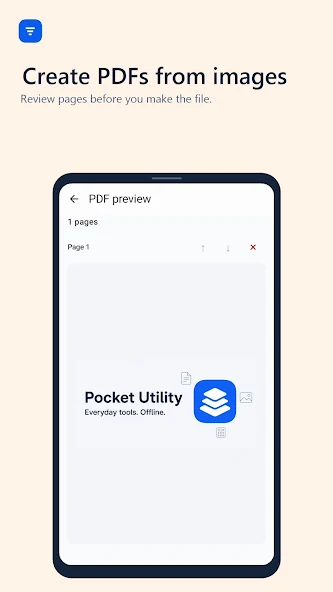
Arrange images and turn them into a portable PDF document.
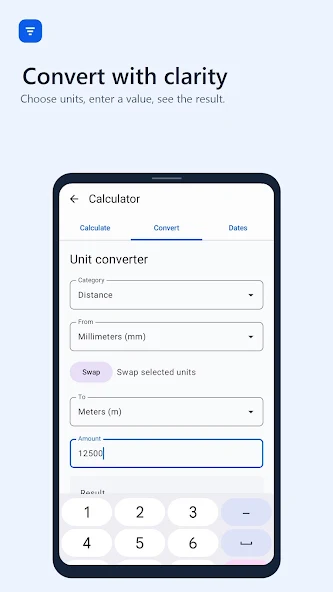
Convert everyday measurements with clear, instant results.
Format text and inspect useful file details in one place.
Generate strong passwords and calculate hashes when needed.
Create
Paste text or a link, generate the code, then save or share it when you are ready. The workflow stays simple from start to finish.
Optimize
See the original and compressed result together, compare the output size, and decide what works before saving anything.
Convert
Choose a category, pick your units, and enter a value. Pocket Utility keeps conversion clear, direct, and easy to check.
Build
Review your pages, arrange the order, and create a document you can keep or share—all from the same focused workspace.
Privacy, built into the workflow
Pocket Utility is offline-first. Your work remains on your device unless you choose to save or share the output.
See it in actionInside Pocket Utility
Each tool is designed to keep the next step obvious—so you can finish the task and get on with your day.
Ready when you are
Download Pocket Utility for Android and make everyday tasks a little simpler.
GET IT ONGoogle Play